

Replay Trading Simulator: How to practice execution without risking capital
Backtests give you numbers: 45% return, 1.8 Sharpe ratio, 58% win rate.
But they don't show you what it feels like to actually trade the strategy.
They don't show you:
How often signals trigger (and how that feels psychologically)
What happens during losing streaks (and whether you'll stick with it)
How the strategy behaves in choppy markets (when metrics don't tell the full story)
This is where a trading simulator comes in.
In this guide, we'll cover:
What a trading simulator does (and how it's different from backtesting)
Why market replay matters
How to use simulators to practice execution
What to look for before going live
What is a trading simulator?
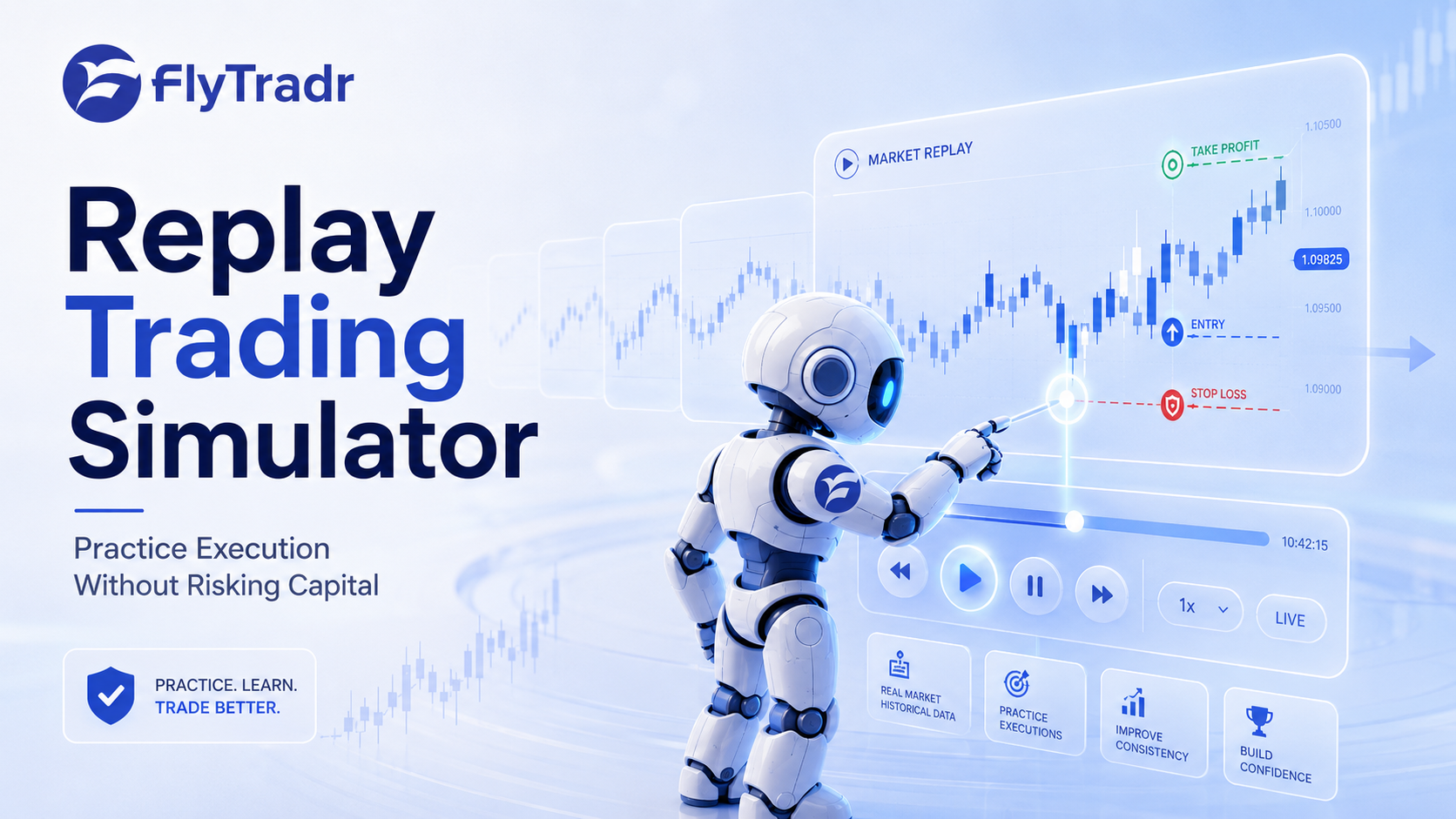
A trading simulator (also called a "market replay simulator") lets you:
Load historical market data
Replay it as if it's happening live
Execute trades in real-time
See how your strategy performs
Think of it like this:
Backtesting = watching a movie on fast-forward to see the ending
Simulation = watching the movie frame-by-frame to understand what actually happens
Both show the same story. But simulation gives you the experience.
Why backtests aren't enough
Backtests are essential. But they have limits:
1. Backtests hide psychological friction
Backtest says: "This strategy had 5 losing trades in a row, then recovered."
Reality feels like: "I've lost money 5 times. This strategy is broken. I should stop."
Simulators let you experience the losing streak. You see it happen in real-time. You feel the urge to quit. You learn whether you can stick with the plan.
2. Backtests don't show timing
Backtest says: "Strategy traded 47 times this year."
Reality: 30 of those trades happened in 2 weeks. The other 11 months were silent.
Simulators show you when trades happen. You'll know if your strategy:
Trades constantly (and whether you can handle the activity)
Goes silent for months (and whether you can handle the boredom)
3. Backtests don't reveal execution issues
Backtest says: "Entry price: $450.00."
Reality: Your broker filled you at $450.08 because of slippage.
Simulators let you practice order execution:
Placing market vs limit orders
Adjusting stop-losses
Dealing with partial fills
You'll discover execution problems before they cost you money.
What market replay does
Market replay means the simulator feeds you data as if it's happening now.
Instead of seeing the whole day's price action at once, you see:
9:30 AM: First bar appears
9:31 AM: Next bar appears
9:32 AM: Next bar appears
...and so on
Why this matters:
In real trading, you don't know what happens next. Market replay forces you to make decisions without hindsight.
You can't say "I'll buy here because I know it rallies later." You have to trade based on what you see now—just like live trading.
How to use a trading simulator
Step 1: Load your strategy
Start with a strategy you've already backtested.
Why? You already know it has potential. Now you're testing execution and psychology.
In FlyTradr's Trading Simulator:
Select a strategy from the Strategy Builder
Choose your market and timeframe
Load historical data for replay
Step 2: Set simulation speed
You can replay markets at different speeds:
1x speed: Real-time (1 minute = 1 minute)
10x speed: Faster replay (1 minute = 6 seconds)
100x speed: Very fast (1 minute = 0.6 seconds)
When to use each:
Speed - Use Case:
1x - Practice execution (order entry, stop placement
10x - Watch strategy behavior without waiting hours
100x - Quickly scan multiple days to find interesting periods
Step 3: Watch signals trigger
As the market replays, you'll see:
Entry signals (when your strategy wants to buy/sell)
Exit signals (when it wants to close positions)
Live P&L (how your position is performing tick-by-tick)
What to watch for:
Signal frequency: Are there too many signals? Too few?
Signal timing: Do they trigger during high-volatility periods?
False signals: How often does a signal reverse immediately?
Step 4: Practice execution
Even if your strategy is automated, you should manually execute a few trades in the simulator.
Why? Because you'll learn:
How fast you need to act (momentum strategies require instant execution)
Whether your stop-loss placement makes sense (too tight = stopped out early)
How it feels to manage a position (Do you panic when price dips 2%?)
Exercise:
Replay a volatile day (like a Fed announcement or earnings release). Try to:
Enter at your signal
Place a stop-loss
Manage the trade as price moves
Exit at your target or stop
You'll discover:
Whether your rules are clear enough to follow under pressure
Whether your stop-losses are realistic
Whether you're emotionally ready to trade this strategy
Step 5: Analyze what happened
After the replay, review:
Entry quality: Did you enter at good prices?
Exit quality: Did you exit too early? Too late?
Emotional response: Did you follow the plan or second-guess it?
If you can't follow your own strategy in a risk-free simulator, you definitely won't follow it with real money.
What to look for in simulator results
1. Trade frequency
Question: How often does your strategy trade?
Why it matters:
Too frequent (multiple trades per day): High stress, high slippage costs
Too rare (1 trade per month): You'll get bored and start forcing trades
What to do:
If trade frequency doesn't match your personality, adjust your strategy or pick a different one.
2. Losing streaks
Question: What's the longest losing streak?
Why it matters:
Backtest says: "Max consecutive losses: 5"
Simulator shows: "I watched 5 trades lose in a row over 3 days"
Experiencing the streak makes it real. Can you handle it?
What to do:
If a 5-trade losing streak makes you want to quit, you'll quit when it happens live. Either:
Build more discipline
Choose a less volatile strategy
3. Choppy market behavior
Question: How does your strategy behave when markets are sideways?
Why it matters:
Most strategies are designed for trending markets. But markets trend 30-40% of the time. The rest is chop.
What to do:
Replay a choppy period (e.g., summer 2023 for SPY). Watch how many false signals your strategy generates.
If it's constantly getting whipsawed, you'll lose money on:
Slippage
Commissions
Emotional fatigue
Consider adding a "trend filter" to avoid choppy periods.
4. Execution timing
Question: How much time do you have between signal and execution?
Why it matters:
Mean-reversion strategies: Usually have time (price comes to you)
Momentum strategies: Require fast execution (price is moving away)
What to do:
If your strategy requires sub-second execution, but your broker takes 1-2 seconds to fill, you'll slip on every trade.
Either:
Switch to a faster broker
Choose a slower strategy
How FlyTradr's Trading Simulator works
FlyTradr's Trading Simulator is designed to bridge the gap between backtesting and live trading.
Features:
Market replay at multiple speeds
Replay historical data at 1x, 10x, 100x speed
Pause/resume at any time
Jump to specific dates/events
Strategy auto-execution
Your Strategy Builder rules execute automatically
See entries/exits trigger in real-time
Watch P&L update tick-by-tick
Manual override mode
Pause auto-execution
Manually enter/exit trades
Practice order placement and risk management
Realistic execution simulation
Slippage modeling (configurable)
Latency delays (broker lag)
Partial fills (for large orders)
Performance tracking
Live equity curve
Win rate, avg win/loss
Current drawdown
Sharpe ratio (updates as you trade)
Workflow:
Select strategy (from Strategy Builder or create a new one)
Choose market (SPY, QQQ, individual stocks, futures, crypto)
Pick date range (replay any historical period)
Set simulation speed (1x for practice, 100x for scanning)
Start replay (watch your strategy trade)
Pause/analyze (review what happened at any point)
Export results (save for comparison with backtests)
Simulator vs backtest vs paper trading
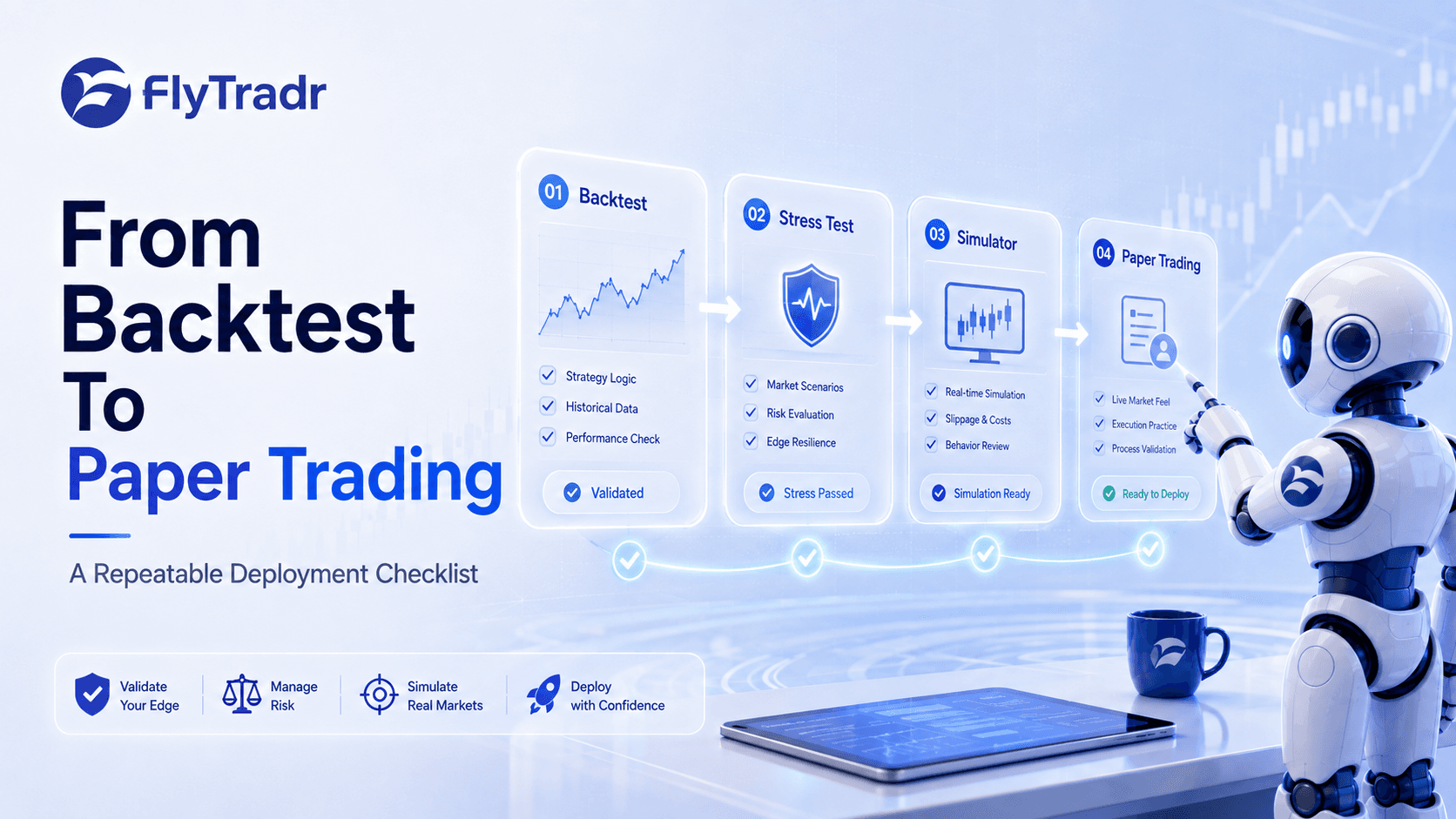
The progression:
Backtest → Does this strategy have an edge?
Simulator → How does it actually trade? Can I handle it?
Paper trading → Does execution match my assumptions?
Live trading → Deploy with confidence
Common simulator mistakes
Mistake #1: Only replaying winning periods
Wrong: Replaying 2020-2021 (bull market) for a momentum strategy.
Why it's wrong: You're not testing how the strategy handles adversity.
Right: Replay multiple market regimes (bull, bear, sideways). See how your strategy behaves in each.
Mistake #2: Not practicing manual execution
Wrong: Only watching the strategy auto-execute.
Why it's wrong: You're not building the muscle memory to trade manually (needed if automation breaks).
Right: Periodically switch to manual mode and execute trades yourself.
Mistake #3: Skipping emotional review
Wrong: Only looking at P&L after the replay.
Why it's wrong: You're missing the psychological lessons.
Right: Ask yourself:
Did I feel stressed during drawdowns?
Did I want to exit early during winning trades?
Did I trust the strategy or second-guess it?
If you didn't trust it in simulation, you won't trust it live.
Real-world example
Let's say you're testing a breakout strategy.
Backtest results:
Total return: 35%
Sharpe ratio: 1.6
Max drawdown: 18%
Win rate: 52%
Your reaction: "Looks solid."
Simulator replay (1 month at 10x speed):
Week 1:
8 signals triggered
3 winners, 5 losers
You're down 6%
Week 2:
2 signals triggered
Both losers
You're down 10%
Week 3:
1 signal triggered
Big winner (+12%)
You're up 2%
Week 4:
No signals
Your reaction: "This is exhausting. Most trades lose. Wins are infrequent. I don't think I can stick with this."
Decision: Either:
Adjust your risk management (smaller position sizes)
Choose a different strategy with higher win rate
Work on your discipline
The simulator didn't change the strategy's edge. It changed your understanding of what trading it actually feels like.
The bottom line
Backtests tell you if a strategy can work.
Simulators show you if you can work the strategy.
Most traders skip the simulator and go straight from backtest to live trading. Then they:
Panic during normal drawdowns
Exit winning trades too early
Abandon the strategy after a few losses
All of this could have been discovered (and fixed) in a simulator.
Next steps
Backtest your strategy using FlyTradr's Backtesting Lab
Load it into the simulator and replay 3-6 months of historical data
Watch it trade at 10x speed to see behavior patterns
Practice manually executing trades at 1x speed
If you're comfortable, move to paper trading with live data
If not, redesign your strategy or adjust your expectations
The simulator is where you learn whether a strategy is psychologically viable—not just mathematically sound.
Ready to see how your strategy actually trades? Start practicing risk-free at FlyTradr.
Comments
Ask a question or leave feedback. Guests can post too.
Max 2000 characters.
No comments yet.
Quick answers
What is this article about?
Backtests show metrics.
Who should read this article on Replay Trading Simulator: How to practice execution without risking capital?
This article is for retail traders who want a practical understanding of replay trading simulator: how to practice execution without risking capital before moving into backtesting, simulation, paper trading, or broker-connected execution.
What should I do after reading this article?
Use the article to clarify the concept first, then review FlyTradr workflow pages such as the algo trading platform overview, methodology and assumptions, or the FAQs page before making a platform decision.